Tiếng Việt
SERP Simulator: Check Title & Meta for Google (2026)

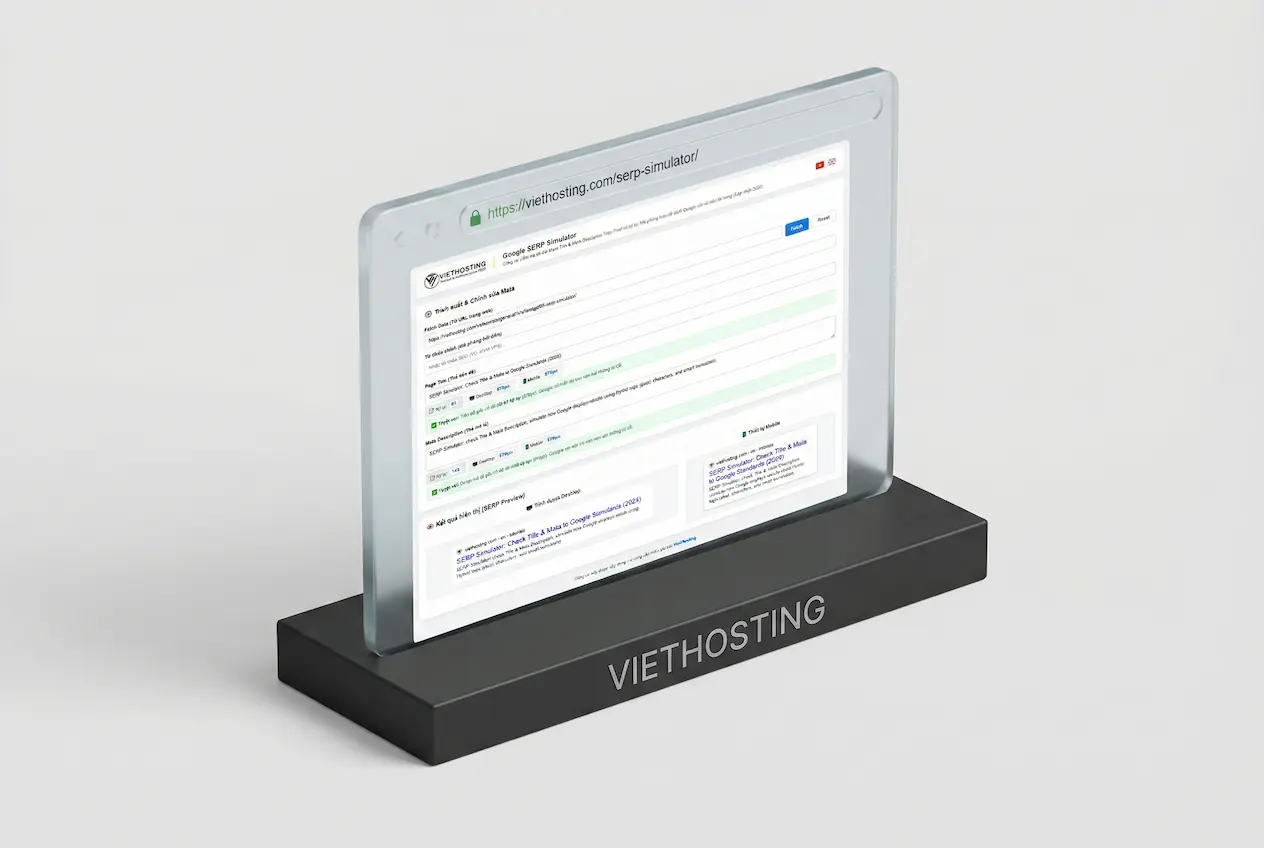
Have you ever carefully written a compelling Page Title and Meta Description, kept it within 150 characters, yet still saw it truncated with ... on Google?
Many believe switching to pixel-based measurement is enough. But in reality, it's not that simple. Relying only on character count or pixel width alone is not sufficient to accurately replicate how Google displays results.
In other words, optimizing based on a single metric will always lead to inconsistencies in real search results.
- Google doesn’t rely on characters alone: Its rendering logic combines pixel width with natural word truncation.
- Most tools fall short: They measure only one dimension, leading to inaccurate previews.
- A more accurate approach: Hybrid simulation (characters + pixels + smart truncation) provides results closer to real Google behavior.
Use the SERP Simulator to preview how your Title and Meta Description appear on Google (Desktop & Mobile), based on a Hybrid rendering model.
1. What is a SERP Simulator?
SERP Simulator (also known as a SERP preview tool) allows you to preview how your Title and Meta Description appear on Google. By combining pixel width, text length, and truncation logic, it helps optimize content for better click-through rates (CTR) without unexpected truncation.
2. What this tool can do
Instead of manually estimating length limits, the SERP Simulator provides practical tools for on-page SEO optimization:
3. Hybrid logic: why it matters
Most SEO tools rely on either character count or pixel measurement. However, true accuracy comes from simulating Google’s Hybrid rendering logic.
| Method | Limitation | Result |
|---|---|---|
| Character count | Ignores actual visual width of text | Often truncated despite “valid” length |
| Pixel-only | Does not account for total text length | May exceed Google’s soft limits |
| Hybrid (Google) | Combines pixels, length, and semantics | Natural display without mid-word cuts |
Hybrid logic avoids mechanical truncation. When limits are exceeded, smart truncation ensures text is cut at natural boundaries (spaces or punctuation), preserving readability before adding ....
This is what makes the preview significantly closer to real Google results.
4. Real example: before & after
A common mistake is writing overly descriptive titles without considering display constraints, especially when adding dynamic elements like the current year.
Before optimization:
Title: "Google SERP Simulator - Check Title & Meta Description by Pixel"
Issue: Too long and likely to be truncated on certain devices.
After optimization: (Balanced between length and display limits)
Title: "SERP Simulator: Check Title & Meta for Google (2026)"
Result: Cleaner, fully visible, and more readable across devices.
5. Security & reliability
A reliable SEO tool must also be secure:
- SSRF protection: Blocks requests to internal/private IP addresses.
- Resource limits: Controls bandwidth usage and response time.
- No data storage: Inputs are processed locally in your browser only.
A compelling title increases clicks, but long-term ranking depends on overall performance and user experience.
6. Does Google always show your Meta Description?
The answer is: Not always.
In many cases, Google may ignore the Meta Description you provide and instead automatically extract a different snippet from your page that better matches the user’s search query.
This typically happens when:
What this means: Optimizing for Pixel or Hybrid display is important, but not sufficient. You also need to ensure your content includes clear, concise, and relevant passages that directly answer user intent.
Notes on snippet control:
- Google may automatically rewrite your title if it finds a more relevant version.
- Tags such as
data-nosnippetormax-snippetcan influence how your content is displayed. - There is no way to guarantee that Google will always use your provided Meta Description.
7. Conclusion
Optimizing Title tags and Meta Descriptions is no longer just about counting characters. Google displays content based on a combination of pixel width, text length, and natural truncation logic (Hybrid), while also dynamically adjusting what is shown depending on the search query.
This means that even if your Meta content is well-written, it may still be truncated or replaced if it exceeds display limits or does not match the search context.
To achieve effective optimization, you need to combine three key factors:
- Ensure full visibility: Avoid truncation by controlling both pixel width and text length.
- Match search intent: Write content that directly answers what users are searching for.
- Structure your content clearly: Make it easy for Google to extract relevant snippets when needed.
The SERP Simulator helps you precisely control how your content appears before publishing. However, real effectiveness comes from combining accurate display with relevant content. When both are optimized together, you not only avoid unwanted truncation but also significantly improve click-through rate (CTR) and overall SEO performance.
Resources for Webmasters
Beyond SERP optimization, server performance and infrastructure also play a key role in SEO and user experience.
- What Is an SSL Certificate? How It Works, Benefits & Types
- What is Vietnam Web Hosting? Benefits & When to Use It
- What Is cPanel Hosting? Benefits & cPanel vs DirectAdmin
- Guide to choosing a Trusted VPS and Server Provider in Vietnam
- Top 6 Free Tools to Benchmark VPS and Server Performance
- How to Migrate a Website from Shared Hosting to a VPS