Tiếng Việt
What Is cPanel? Features, Benefits & When to Use It

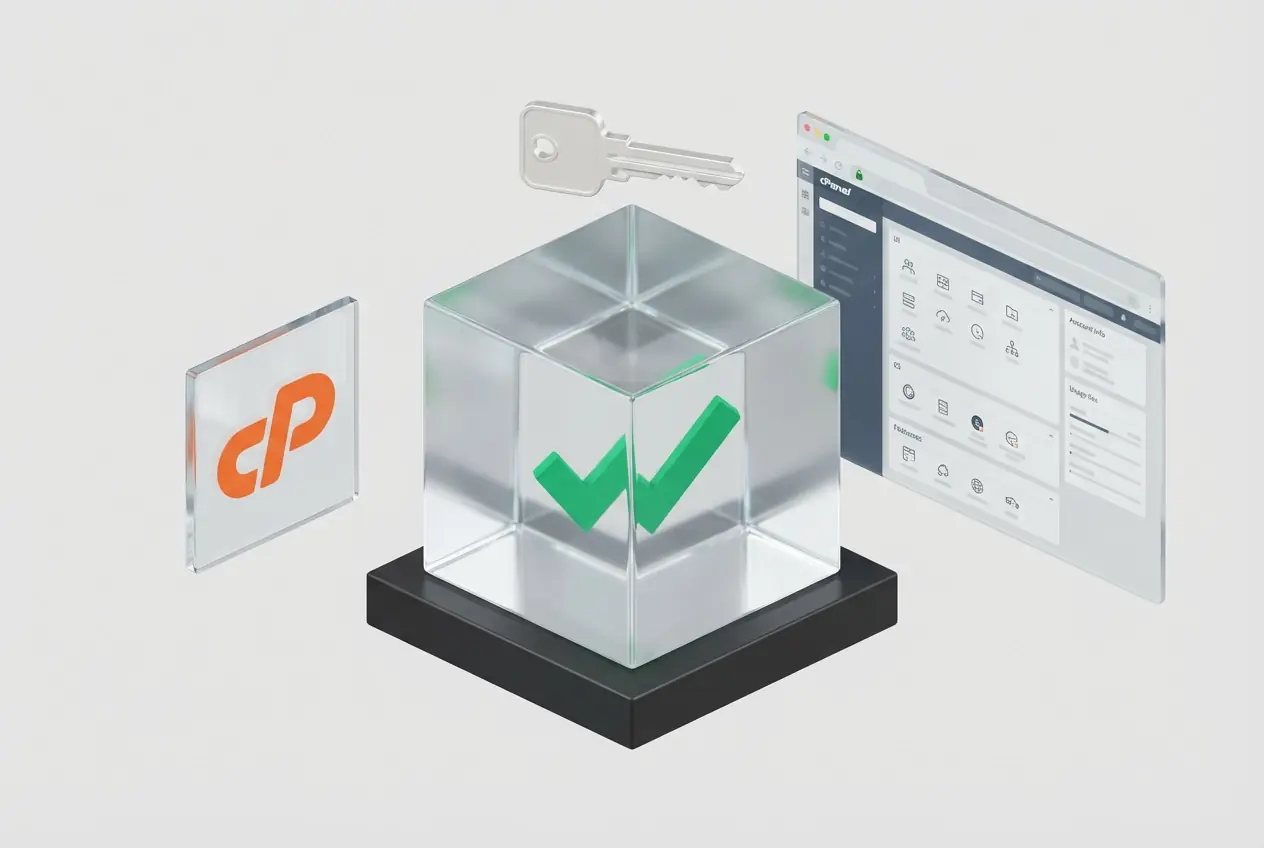
cPanel is the most popular commercial web hosting control panel designed for Linux servers. It provides an intuitive graphical user interface (GUI) that empowers users to easily manage their websites, emails, databases, domains, and security settings without requiring any command-line knowledge.
Within this ecosystem, cPanel serves as the end-user (website owner) interface, while WHM (Web Host Manager) acts as the administrative tier for server administrators to allocate resources and provision hosting accounts.
In the realm of server administration, operating entirely via Linux command lines is a significant barrier for many users. cPanel emerged as a web hosting control panel interface that simplifies complex system tasks.
- 1. What is cPanel?
- 2. How Does cPanel Work?
- 3. cPanel vs WHM: What is the Difference?
- 4. Key Functions of cPanel
- 5. Benefits of cPanel
- 6. When Should You Use cPanel?
- 7. cPanel vs. DirectAdmin: Which One to Choose?
- 8. Which Operating Systems are Compatible with cPanel?
- 9. Comprehensive cPanel Solutions at VietHosting
- 10. Conclusion
1. What is cPanel?
cPanel is the world's leading commercial web hosting control panel software, developed exclusively for the Linux operating system. It functions as a graphical user interface (GUI) layer sitting atop the server's OS, automating underlying system commands.
With its highly intuitive layout, cPanel empowers web developers, as well as small and medium-sized enterprises, to independently and securely operate and configure every aspect of a website—from databases and business emails to security certificates.
2. How Does cPanel Work?
cPanel operates on the philosophy of "Simplifying System Administration." When a user performs an action on the cPanel web interface (typically accessed via port 2083), the system translates that action into the corresponding Linux commands and executes them under that specific user's privileges (User-level).
This ensures that any modifications to files, PHP configurations, or DNS settings are strictly confined to that user's account boundaries, preventing any impact on the core server OS or other accounts residing on the same Shared Hosting system.
3. cPanel vs WHM: What is the Difference?
The cPanel software suite is essentially a duo comprising two distinct interfaces with strictly tiered management privileges:
- cPanel (The End-User Interface): The lowest tier. Designed for website owners. It only grants access to manage the specific resources (Files, Databases, Emails, Domains) provisioned to their individual account.
- WHM (Web Host Manager - The Administrator Interface): The highest tier (Root/Reseller). Designed for server administrators (Sysadmins) or hosting resellers. WHM possesses supreme authority to configure server security, install software (like LiteSpeed, CloudLinux), allocate hardware resources (CPU/RAM), and create/terminate child cPanel accounts.
4. Key Functions of cPanel
The cPanel ecosystem provides a comprehensive toolkit allowing you to exercise 100% control over your web applications:
- File Manager & FTP: A browser-based interface to manage files similarly to Windows Explorer. It supports archiving/extracting files and creating FTP accounts for remote data transfers.
- Database Management: Create and configure users for MySQL/MariaDB or PostgreSQL databases. Includes the built-in phpMyAdmin tool to interact directly with data tables.
- Domains & DNS Management: Declare new domains (Addon Domains), create subdomains, configure domain aliases, and edit advanced DNS records (A, TXT, CNAME, MX).
- Professional Business Email: Initialize email addresses utilizing your own domain name (e.g., admin@yourdomain.com), set up SpamAssassin filters, configure email forwarders, and establish autoresponders.
- Security & Safety: Offers the AutoSSL feature (for automated free SSL certificate provisioning), IP Blocker, password-protected directories, and Two-Factor Authentication (2FA).
5. Benefits of cPanel
cPanel's dominance in the hosting management industry stems from the following core values:
6. When Should You Use cPanel?
cPanel is the perfect and strategic choice in the following scenarios:
- Shared Hosting Providers / Resellers: It is an indispensable choice if you intend to sell hosting services, as the vast majority of customers are accustomed to and prefer the cPanel interface.
- Enterprises Managing Multiple Websites: Requires a stable platform with clear privilege separation so various departments or partners can manage their websites independently without mutual interference.
- Beginners: Needs an easy-to-understand administration environment with minimal risk of executing incorrect commands that could crash the system.
7. cPanel vs. DirectAdmin: Which One to Choose?
In the web hosting control panel race, DirectAdmin has emerged as cPanel's biggest rival. Particularly after recent license price hikes, choosing the right platform heavily depends on your technical direction and budget.
| Criteria (2026) | cPanel & WHM | DirectAdmin |
|---|---|---|
| Performance & Resources | Heavier footprint. Requires more RAM/CPU to run background services. | Lightweight, consumes very few resources. Ideal for low-spec VPS. |
| Interface (UI/UX) | Highly friendly, industry standard, accessible for beginners. | The Evolution skin is modern and clean but requires an adaptation period. |
| Plugin Ecosystem | Massive, compatible with almost all third-party software. | Smaller, occasionally requiring manual installation for specialized modules. |
| Cost & Policy | High cost. Tiered pricing based on the number of created Accounts. | Significantly cheaper. Easier to control scaling costs. |
Conclusion: Choose cPanel if you desire convenience, a massive ecosystem, and a flawless user experience. Choose DirectAdmin if you are technically proficient, aim to optimize license costs, and wish to maximize server resource savings.
8. Which Operating Systems are Compatible with cPanel?
To ensure absolute stability, cPanel & WHM (v120+) solely supports 64-bit architectures on the following enterprise-grade Linux distributions:
* Technical Note: CentOS 7 and CloudLinux 7 are officially End-of-Life (EOL). However, an Extended Lifecycle Support (ELS) program provides critical security patches until the end of January 2026. For optimal security, VietHosting recommends deploying new setups on AlmaLinux 9 or CloudLinux 9.
9. Comprehensive cPanel Solutions at VietHosting
As a veteran infrastructure provider, VietHosting offers you two perfect pathways to access the power of cPanel:
- Register a Genuine cPanel License: VietHosting is an Authorized Partner of cPanel in Vietnam. We provide cPanel Licenses for Dedicated Servers and VPS at the most competitive prices, featuring 24/7 automated API activation and completely free initial setup support from our technical team with over 17 years of experience.
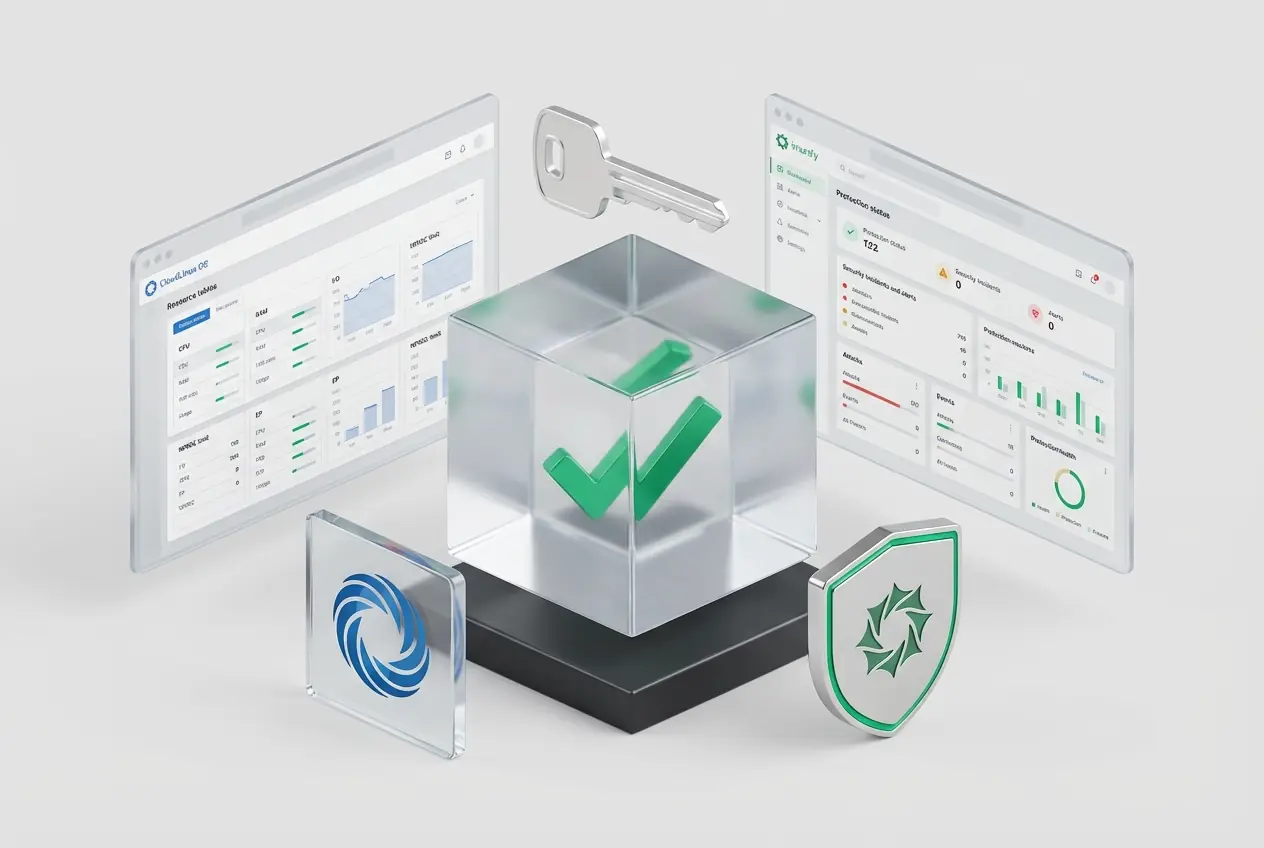
- Experience cPanel Hosting Services: If you prefer to focus solely on website source code development, our High-Speed cPanel Hosting service is the "All-in-One" solution. The infrastructure is built 100% on Dell servers, Enterprise SSD RAID-10 storage, and comes pre-integrated with LiteSpeed Enterprise, CloudLinux OS, and Imunify360.
10. Conclusion
Despite intensifying competition and fee structure modifications, cPanel firmly retains its position as the "king" of Web Hosting Control Panels. The stability, intuitive interface, and massive security ecosystem it delivers make the investment entirely worthwhile, particularly for enterprises and professional hosting service providers.
Simplify system management, automate security tasks, and elevate your customer experience with one of the world's most popular hosting management platforms deployed on VietHosting's infrastructure.
Useful Related Knowledge
If you want to learn more about the software ecosystem behind modern web hosting, the following articles provide additional insights into hosting control panels, server optimization technologies, and security solutions commonly used on Linux servers.
 Absolute "bare metal" performance, the most powerful option for the most demanding tasks.
 Cannot customize physical hardware (e.g., GPUs, specific network cards).