 Tiếng Việt
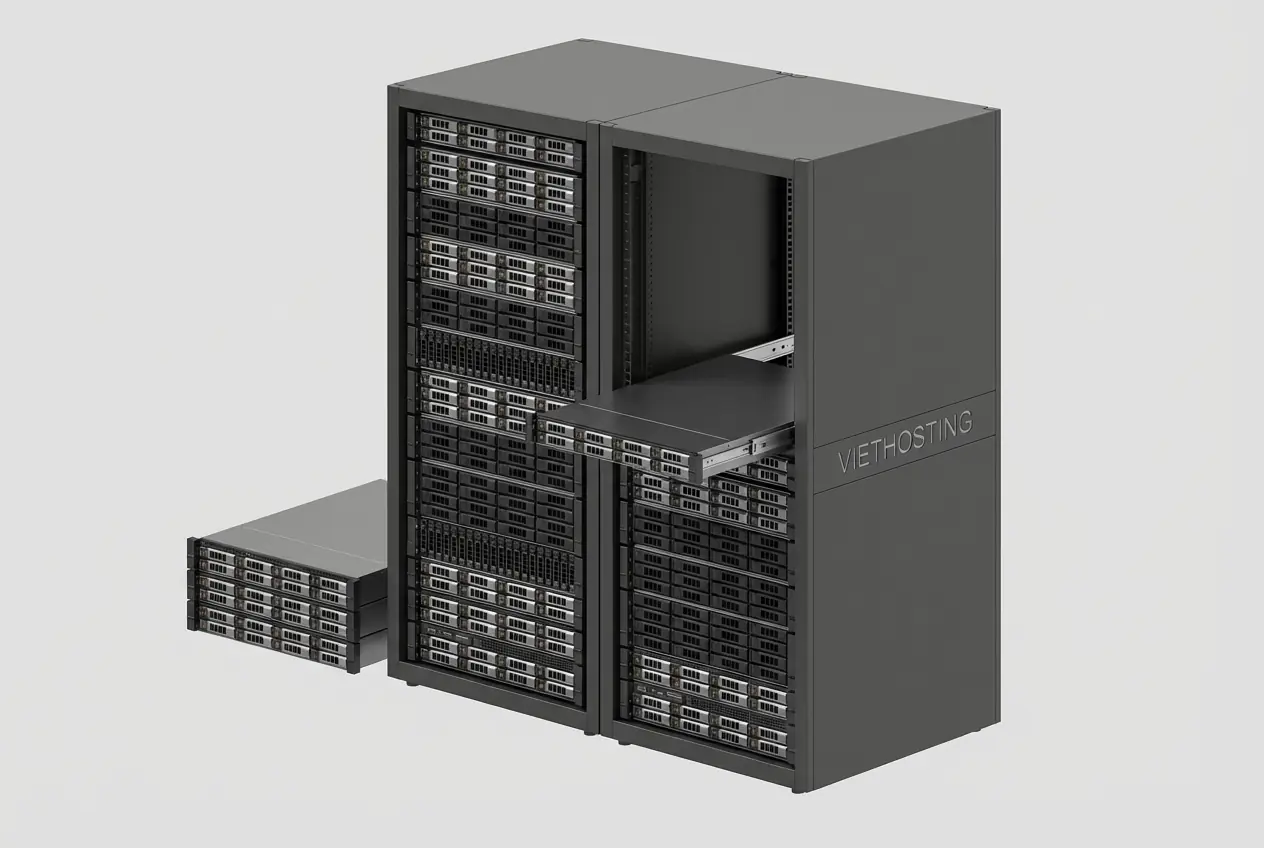
Vietnam Dedicated Server & Colocation Solutions
VietHosting delivers comprehensive server solutions in Vietnam. Choose between powerful Dedicated Servers or secure Server Colocation hosted in international-standard Data Centers. We ensure reliability with a 99.99% Uptime commitment.
1. What is a Dedicated Server?
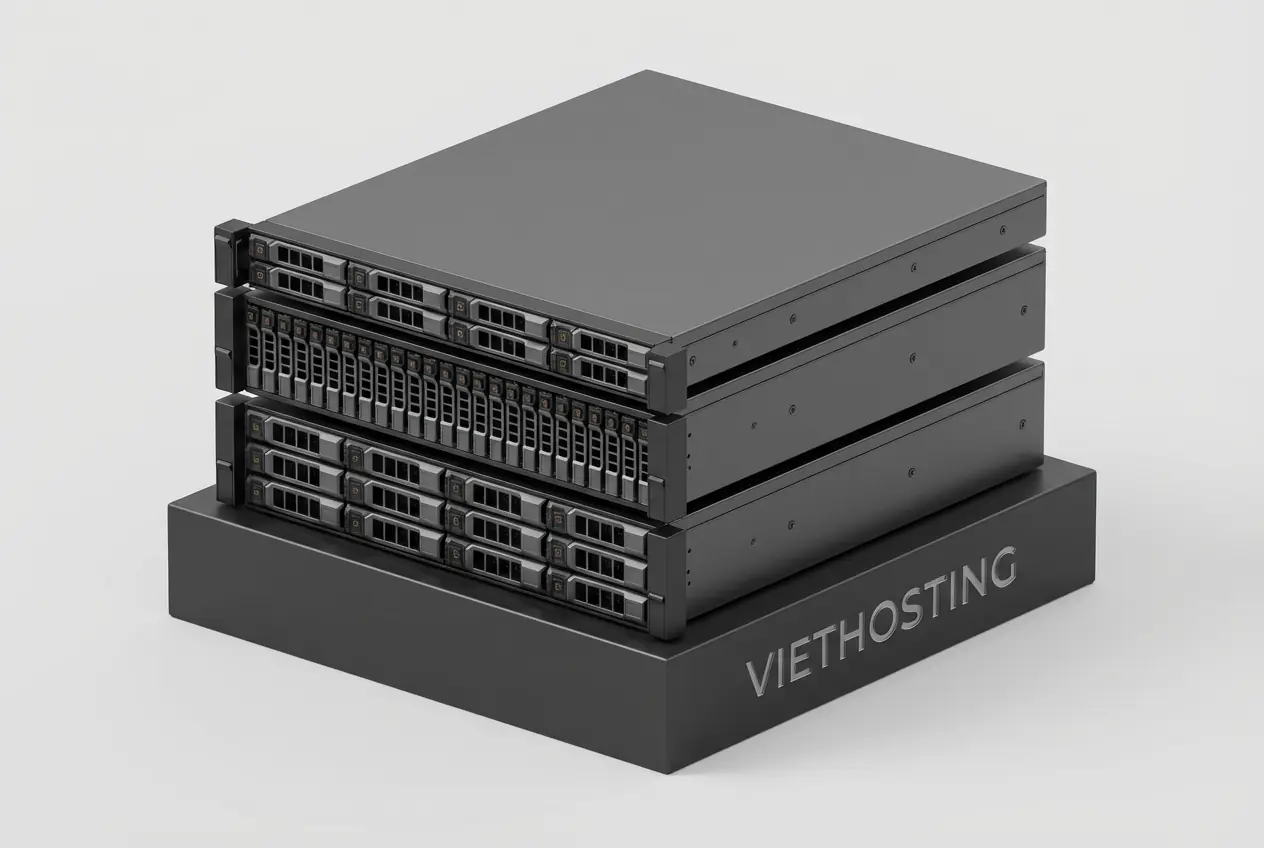
A Dedicated Server, also known as a Bare Metal Server, is a physical server where all its resources (CPU, RAM, storage, bandwidth) are exclusively reserved for a single client. Unlike shared or VPS hosting, there is no sharing with anyone else. The client has full administrative control to manage the server, including both its hardware and software environments.
1.1. How does a Dedicated Server work?
When you lease a dedicated server, the hosting provider prepares a physical server according to your chosen configuration. This server is installed in a professional data center, connected to a stable power supply and network, and pre-installed with a base operating system (like Linux or Windows). You then receive access credentials (typically via SSH or Remote Desktop) to take full control, allowing you to install applications and operate the server to meet your specific needs.
1.2. When should you use a Dedicated Server?
- Websites with extremely high traffic volumes or large-scale e-commerce platforms.
- Enterprise applications and databases that demand consistent high-performance processing.
- Projects that require custom software or operating system configurations not available in shared environments.
- Systems needing the highest level of security, which requires a physically isolated environment.
- Running virtualization systems (e.g., VMware, Proxmox) to create and manage your own fleet of virtual private servers (VPS).
1.3. Benefits of a Dedicated Server vs. Other Solutions
- Maximum Performance: You utilize 100% of the hardware resources without any virtualization layer causing overhead, delivering true "bare-metal" performance.
- Full Control: With root or administrator access, you can customize everything from the operating system and kernel settings to specific software configurations.
- Superior Security: A completely isolated environment minimizes the risk of "noisy neighbor" effects and cross-contamination from other users, a common concern in shared hosting or VPS.
- High Reliability and Stability: Because resources are not shared, your server's performance is not affected by the activities of other tenants, ensuring consistent and predictable operation.
2. Common Ways to Classify Servers
2.1. By Geographic Location
2.1.1. What is a Vietnam Server?
A Vietnam Server is a physical server located within a data center in Vietnam and uses a Vietnamese IP address range. It's the premier choice for websites and applications targeting users in the country, offering superior access speeds and extremely low latency.
You may also encounter more specific terms like HCMC Server or Hanoi Server, referring to servers located in those major cities. Similarly, names like Viettel Server, FPT Server, or VNPT Server indicate servers housed in the data centers of those respective network providers. Essentially, they are all types of a Vietnam Server.
2.1.2. What is an Offshore Server?
An Offshore Server (often referred to as an "International Server" or "Overseas Server") is a physical server located in a country different from the primary location of the user or business operating it.
For users in Vietnam, an offshore server would be one located outside of Vietnam (e.g., a Singapore Server, Hong Kong Server, or USA Server). This option is suitable for reaching an international audience but will result in higher latency when accessed from Vietnam.
2.1.3. Vietnam Server vs. Offshore Server Comparison
| Criteria | Vietnam Server | Offshore Server |
|---|---|---|
| Domestic Access Speed | Extremely fast with very low latency. | Slower due to geographical distance. |
| International Access Speed | Depends on the provider's international bandwidth quality. | Fast for users in regions near the server's location. |
| Legal & Regulatory | Complies with Vietnamese law, simplifying legal matters. | Subject to the laws of the host country, which can be complex. |
| Technical Support | Easy communication (same language, time zone) for quick support. | Potential language barriers and time zone differences can cause delays. |
2.2. By Operating System
2.2.1. What is a Linux Server?
A Linux Server is a server that runs on the Linux operating system, a popular, stable, and flexible open-source OS.
It is the most common choice for web servers, with popular distributions like Ubuntu, CentOS, and AlmaLinux, favored for its stability, high security, flexibility, and lack of licensing fees.
2.2.2. What is a Windows Server?
A Windows Server (as a type of dedicated server) is a server that uses Microsoft's Windows Server operating system, which is specifically designed for server environments.
It is the mandatory choice for applications developed on the .NET framework, using MS SQL databases, or other specialized software that only runs in a Windows environment.
2.2.3. Linux Server vs. Windows Server Comparison
| Criteria | Linux Server | Windows Server |
|---|---|---|
| Licensing Cost | Free (open-source). | Requires paid licenses from Microsoft. |
| Platform Compatibility | PHP, MySQL/MariaDB, Python, Perl, Node.js, etc. | ASP.NET, .NET Core, MS SQL, C#, Visual Basic. |
| Management Interface | Primarily Command-Line Interface (CLI), with optional GUI. | User-friendly Graphical User Interface (GUI). |
| Security | Highly regarded for its robust security architecture and permissions model. | A more common target for attacks, requiring frequent security patches. |
2.3. By Hardware Configuration
Servers are often classified by their core hardware components, which directly dictate their processing power. Key factors include the CPU series (e.g., Intel Xeon, AMD EPYC), RAM capacity (64GB, 128GB, 256GB), and storage type (NVMe, Enterprise SSD, SATA HDD). For specialized workloads, servers are also classified by their graphics processing units (GPUs), such as the NVIDIA RTX or A-series, which are essential for AI, machine learning, and high-end rendering.
2.4. By Purpose of Use
2.4.1. What is a Web Server?
A Web Server is a server installed and configured with specialized software (like Apache, NGINX, LiteSpeed) to store, process, and deliver website content to users' browsers over the HTTP/HTTPS protocol.
The main characteristic of a Web Server is its optimization for handling many small, concurrent requests, fast data read/write speeds, and robust security features to protect the website.
2.4.2. What is a Database Server?
A Database Server is a server specifically optimized for storing, managing, querying, and updating databases efficiently and securely. It acts as a central data repository for applications and websites.
Key features of a Database Server include extremely high I/O (disk read/write) performance, large amounts of RAM for caching, and reliable data backup and recovery mechanisms.
2.4.3. What is a Game Server?
A Game Server is a server with powerful hardware, particularly a CPU with high single-core clock speeds and a stable, low-latency network connection. It is used to run and manage the virtual world in online multiplayer games.
The most critical feature of a Game Server is its ability to perform real-time computational tasks quickly to ensure a smooth, lag-free gaming experience for all players.
2.4.4. Chart: Use Case & Recommended Configuration
| Use Case | Recommended Configuration |
|---|---|
| Web Server | Multi-core CPU, adequate RAM, prioritized NVMe SSD storage, optional RAID 10 for enhanced read/write speed. |
| Database Server | Powerful CPU, very large RAM capacity (for caching), Enterprise SSDs in a RAID 10 configuration for speed and redundancy. |
| Game Server | CPU with high single-core frequency, sufficient RAM, low-latency network with DDoS protection. |
| Virtualization Server | CPU with high core/thread count, massive RAM capacity, high-speed & high-capacity storage, RAID 10 for I/O performance and data safety. |
2.5. By Management Level
2.5.1. What is an Unmanaged Server?
An Unmanaged Server is a hosting model where the client is fully responsible for all server administration, including configuration, software installation, maintenance, and security. The provider's responsibility ends at supplying the physical hardware, ensuring network connectivity, and providing a base operating system.
2.5.2. What is a Managed Server?
A Managed Server is a service where the hosting provider takes full responsibility for managing and operating the server on behalf of the client. These tasks typically include initial setup, configuration, software updates, security monitoring, and technical troubleshooting, allowing the client to focus on their core business without needing deep technical expertise.
2.5.3. Managed Server vs. Unmanaged Server Comparison
| Criteria | Managed Server | Unmanaged Server |
|---|---|---|
| Management Responsibility | Provider handles setup, optimization, security, and backups. | Client is responsible for everything. |
| Technical Expertise | Minimal expertise required; suitable for non-technical users. | Requires expert-level system administration knowledge. |
| Cost | Higher, as it includes the cost of management services. | Lower, as you only pay for hardware and infrastructure. |
| Flexibility & Control | Less flexible, as it depends on the provider's policies. | Absolute flexibility and total control. |
3. Dedicated Server vs. Large VPS
Choosing between a Large VPS (High-Resource VPS) and a Dedicated Server is a decision between a top-tier virtualized environment offering flexibility and an exclusive physical environment delivering maximum performance.
3.1. Performance & Resources
- Large VPS (High-Resource VPS): A powerful virtual server created from a parent physical server. CPU and RAM are still 100% dedicated to you via KVM virtualization. It offers high, stable performance nearly equivalent to a physical server, but with a minor theoretical overhead from the virtualization layer.
- Dedicated Server: An entire physical server providing absolute "bare-metal" performance. You have exclusive, direct access to 100% of the hardware, making it the ultimate choice for the most demanding applications.
3.2. Cost & Flexibility
- Large VPS (High-Resource VPS): More cost-effective as it shares infrastructure costs like rack space and power. It can be provisioned, upgraded, or downgraded automatically and rapidly.
- Dedicated Server: Higher rental cost because you lease an entire physical machine. It requires manual setup by technicians (typically 4-8 hours), and hardware upgrades are more complex.
3.3. When to Choose a Dedicated Server
Choose a Dedicated Server when your application demands absolute hardware performance, requires deep hardware customization (e.g., installing specialized cards), or has strict security requirements that mandate a physically isolated environment.
3.4. When to Choose a Large VPS
Choose a Large VPS (High-Resource VPS) when you need substantial resources and high performance approaching that of a dedicated server, but still prioritize the flexibility of rapid scaling and cost optimization.
4. What is Server Colocation?
Server Colocation is a service that allows businesses to rent space (per rack unit 'U' or as a full rack) in a professional data center to house their own server hardware. Instead of building a costly server room, you leverage the data center's superior infrastructure, including redundant power, cooling, and security, while retaining full ownership and control of your physical hardware.
4.1. How does Colocation work?
You bring your own server hardware to the provider's data center. They provide a secure space in a rack, along with power, network connectivity, and the ideal operating environment. You remain the owner of the equipment and have full access (both physically and remotely) to manage, maintain, and upgrade your hardware as you see fit.
4.2. Benefits of Colocation vs. Renting a Dedicated Server
- Full Hardware Ownership and Control: You can freely choose, build, and upgrade your server configuration without being limited by a provider's predefined plans.
- Long-Term Cost Savings: While it requires an initial investment in hardware, the monthly cost of colocation is often lower than renting a dedicated server with equivalent specs in the long run.
- Leverage Professional Infrastructure: You benefit from a world-class facility (power, cooling, security) without the massive capital expenditure of building one yourself.
4.3. When to Choose Colocation?
Choose Colocation when you already own server hardware, have highly specific hardware requirements not available in rental markets, or possess an in-house technical team capable of managing hardware and wish to optimize long-term operational costs.
5. Vietnam Server Solutions at VietHosting
Whether you require the raw performance of a Dedicated Server or the ownership flexibility of Server Colocation, VietHosting offers premier solutions based in Vietnam.
5.1. Dedicated Servers in Vietnam
Ideal for clients who need maximum performance and the convenience of using high-quality hardware supplied and maintained by VietHosting.
5.2. Server Colocation Services in Vietnam
Perfect for clients who own their hardware and need a professional, secure, and stable Data Center environment in Ho Chi Minh City.
5.3. Dedicated Server vs. Colocation at VietHosting
Máy Chủ Riêng (Dedicated Server)
Dành cho khách hàng cần hiệu năng tối đa và sự tiện lợi khi sử dụng phần cứng chất lượng cao do VietHosting cung cấp.
Thuê Chỗ Đặt Máy Chủ (Colocation)
Dành cho khách hàng đã sở hữu máy chủ và cần một môi trường Data Center chuyên nghiệp, an toàn và ổn định.
6. Why Choose VietHosting for Vietnam Server Solutions
With over 16 years of experience, VietHosting is a trusted infrastructure partner for thousands of domestic and international clients. We are committed to delivering excellence through:
- Tier 3 Standard Data Center: Ensuring your server operates in one of the most secure and stable environments available.
- High-Speed Network: Robust domestic and international bandwidth with clear commitments to guarantee fast, reliable connectivity.
- Clean & Stable IP Addresses: As one of the few providers in Vietnam, we can supply large, clean IPv4 blocks (up to a full /24 block - 256 clean IPv4).
- 24/7 Expert Support: Our highly experienced technical team (since 2009) is available around the clock to assist you.
- Flexible Service Tiers: From unmanaged solutions for experts to comprehensive Server Management services, we cater to all needs and technical skill levels.
 Absolute "bare metal" performance, the most powerful option for the most demanding tasks.
 Cannot customize physical hardware (e.g., GPUs, specific network cards).



